Progression editor
Lengths
A chord's length in beats and bars — the LENGTH row, the resize grip that snaps to beats, bar lines and the beat grid, and pushed chords.
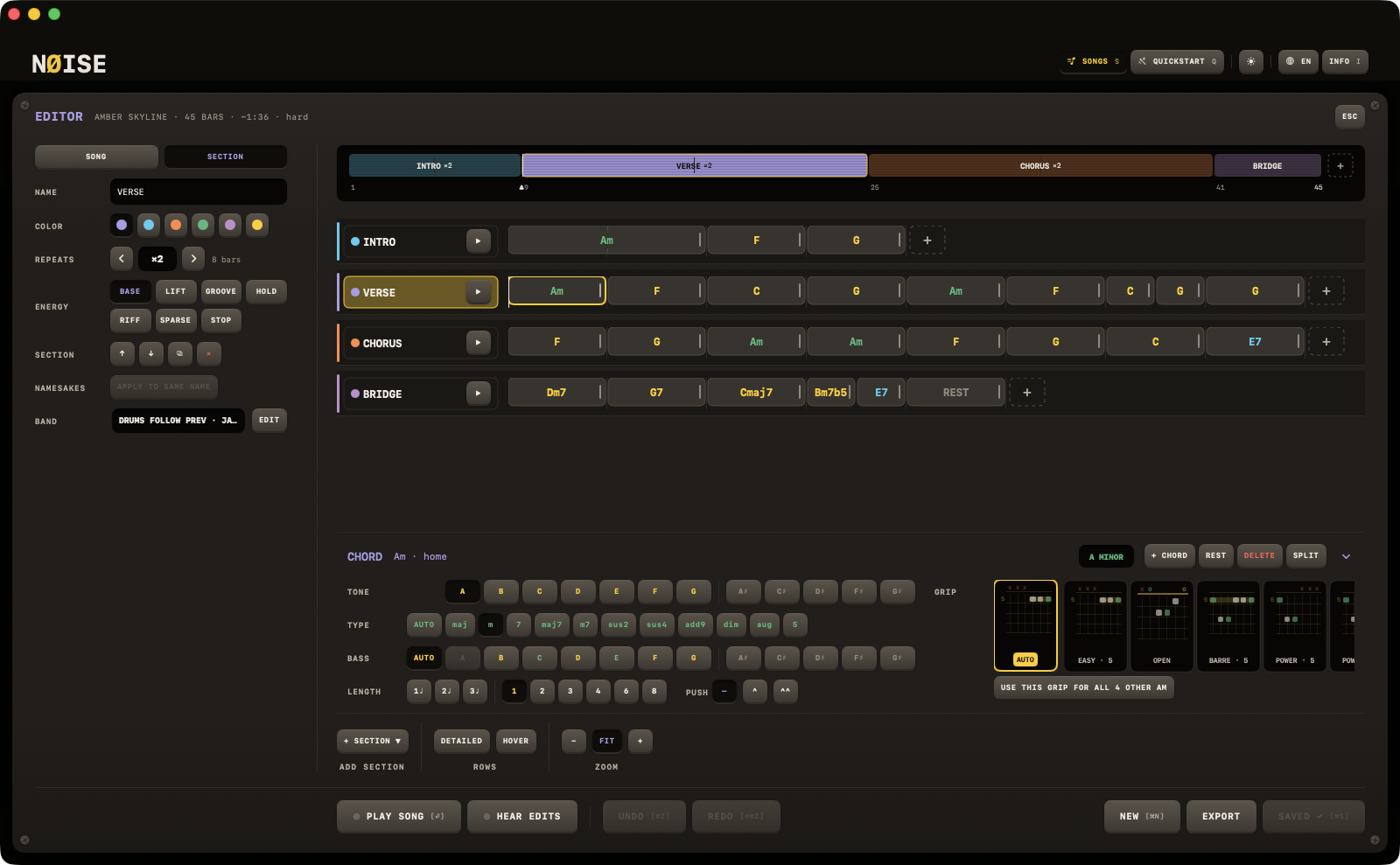
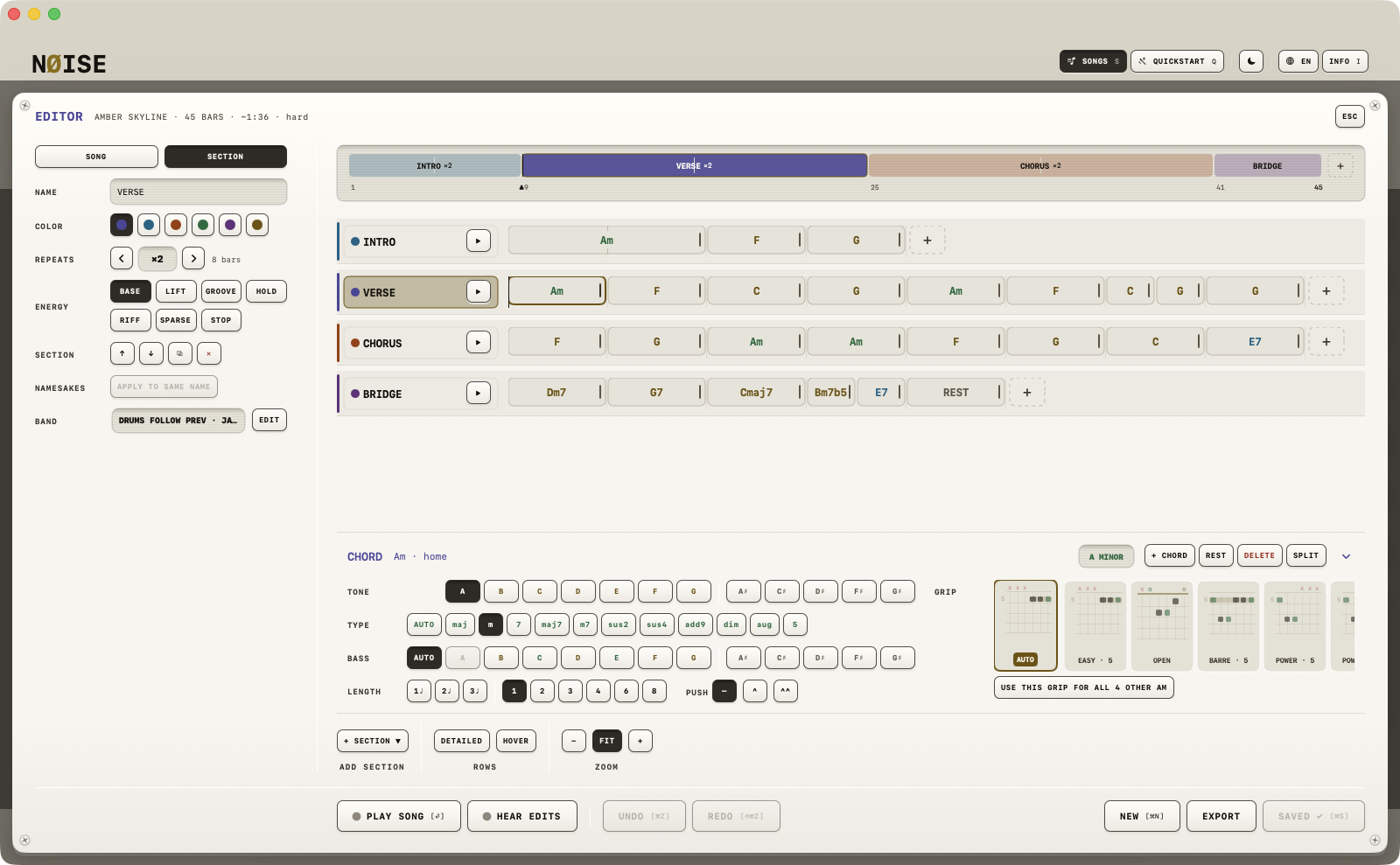
A chord block's width is its length: a bar is the same width in every lane, so equal totals always draw equal. There is no length badge any more — the length is set in the chord dock's LENGTH row or by dragging the block's edge.
Via the dock
The LENGTH row of the chord dock holds, left to right: the beats short of a bar (1♩ 2♩ 3♩ in 4/4, 1♩ 2♩ in 3/4, 1♪ … 5♪ in 6/8, following the session's time signature when the editor opened), a rule, then the bars 1 2 3 4 6 8. A chord can be any number of beats: a change on beat 4 is a 3♩ chord followed by a 1♩ one — in the song text | C(3) G(1) |.
SPLIT in the dock's header halves the chord on the beat grid and selects the second half, so two chords in one bar take two clicks. It is off on a one-beat chord.
Via dragging
Grab the thin handle on the right edge of a chord block and drag it. Beat ticks appear along the foot of the row while you drag:
- Dragging snaps to the nearest beat; one beat is the smallest length, eight bars the longest.
- If you're resizing the last chord in a section and a nearby length would make the section's total match another section's total exactly, it snaps to that instead — so sections line up side by side.
Bar lines and the beat grid
A hairline bar line stands at every bar of a section's pass, behind the blocks, always. A chord longer than a bar draws its interior bar lines as edge ticks. A block narrower than 30 points fades its name (a one-beat chord at FIT is a sliver); zoom in and the name comes back.
A section need not add up to whole bars. When it does not, its header and the inspector read the total in amber — 3¾ bars — with a tooltip saying that the next section starts mid-bar. The song still plays.
Pushed chords
At the end of the LENGTH row, PUSH — —, ^, ^^ — anticipates the chord: the band strikes it an eighth (^) or a sixteenth (^^) before its written place and holds it over the bar line, the way a rhythm section hits the chorus on the "and of four". The chord's place and its length do not move — bar counts, the playhead and winding know nothing of a push. The block reads ^G and wears a notch, as wide as the anticipation, hanging over the chord before it. In the song text a push is a caret: ^G, ^^G, ^Am(2).
Limits
The song format holds up to 32 bars per chord; no editor control produces more than 8 bars directly (aside from the section-matching snap).
How the chart is drawn
Each section is a horizontally-scrolling lane. ZOOM −/+ under the rows make a bar narrower or wider; FIT sizes the widest section to the pane and keeps following the window until you zoom by hand; a pinch on the trackpad or the iPad zooms too and unlatches FIT.