Songs & sharing
Overview
Three forms a song takes outside NØISE — text, file, or link — and when to use which.
A song exists outside NØISE in three forms. This page is the map; each form has its own detail page.
The three forms
| Form | Best for | Detail page |
|---|---|---|
| Plain text | Human-readable, and the chords transpose to any key. IMPORT reads a text file; the app itself does not write text | Song text format |
.noisesong file | Precise re-import, archiving, moving songs between Macs, sharing on the website | The .noisesong file and the noise:// link |
noise:// link | One-click sharing — same content as the file, packed into a URL. The website makes the link, with Open in NØISE and Copy link | The .noisesong file and the noise:// link |
All three carry exactly one song and no audio.
Where these come from in the app
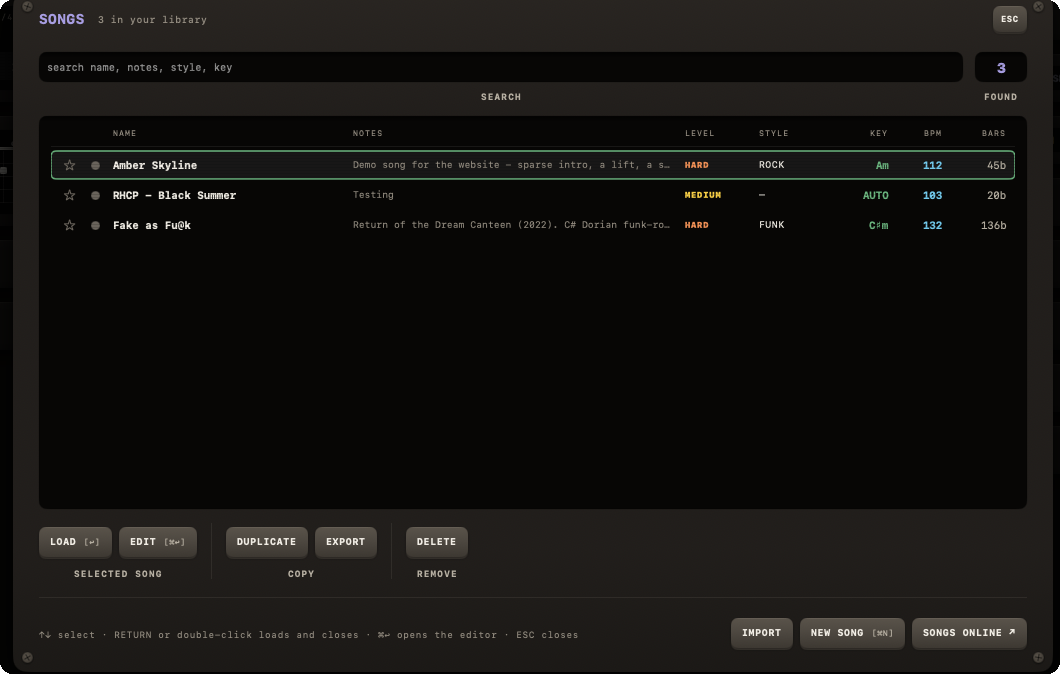
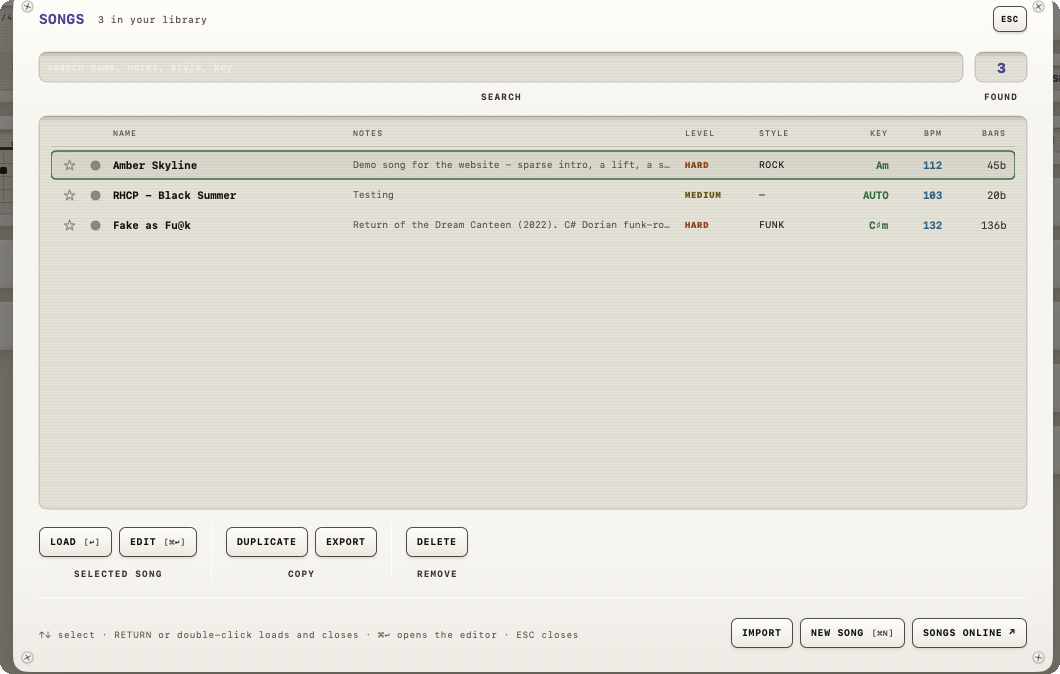
Select a song in the SONGS plate. In the row under the list, under COPY, sit DUPLICATE and EXPORT; the editor has the same EXPORT. Copying a text or a link is not something the app does — the noise:// link is made by the website. See Export for the exact mechanics.
Getting a song back in
IMPORT in the SONGS plate opens a file. Opening a shared .noisesong file or noise:// link from outside the app (Finder, a browser, Messages, the website) goes through a confirmation step first. See Import for the full breakdown, including a real gotcha around duplicate songs.
No dedicated "export my whole library" feature
There's no button to export your entire song library at once. The library file NØISE writes to disk (jam-songs.json) happens to use a { "version", "songs": [...] } shape that the import side also accepts leniently — mostly as a disaster-recovery convenience — but it isn't a promoted feature. See The .noisesong file and the noise:// link.
The website's role
Note
The song catalogue on this website exists: browse, open a song in the app with one click on Open in NØISE, and share your own. See Website for what exists today.