Getting started
Install
System requirements and what NØISE needs from your Mac or iPad before it will run.
NØISE is a native app for Mac and iPad (bundle id com.noise-app.macos); one purchase covers both. This page covers what your Mac needs before you launch it for the first time; the actual first run is covered in First launch.
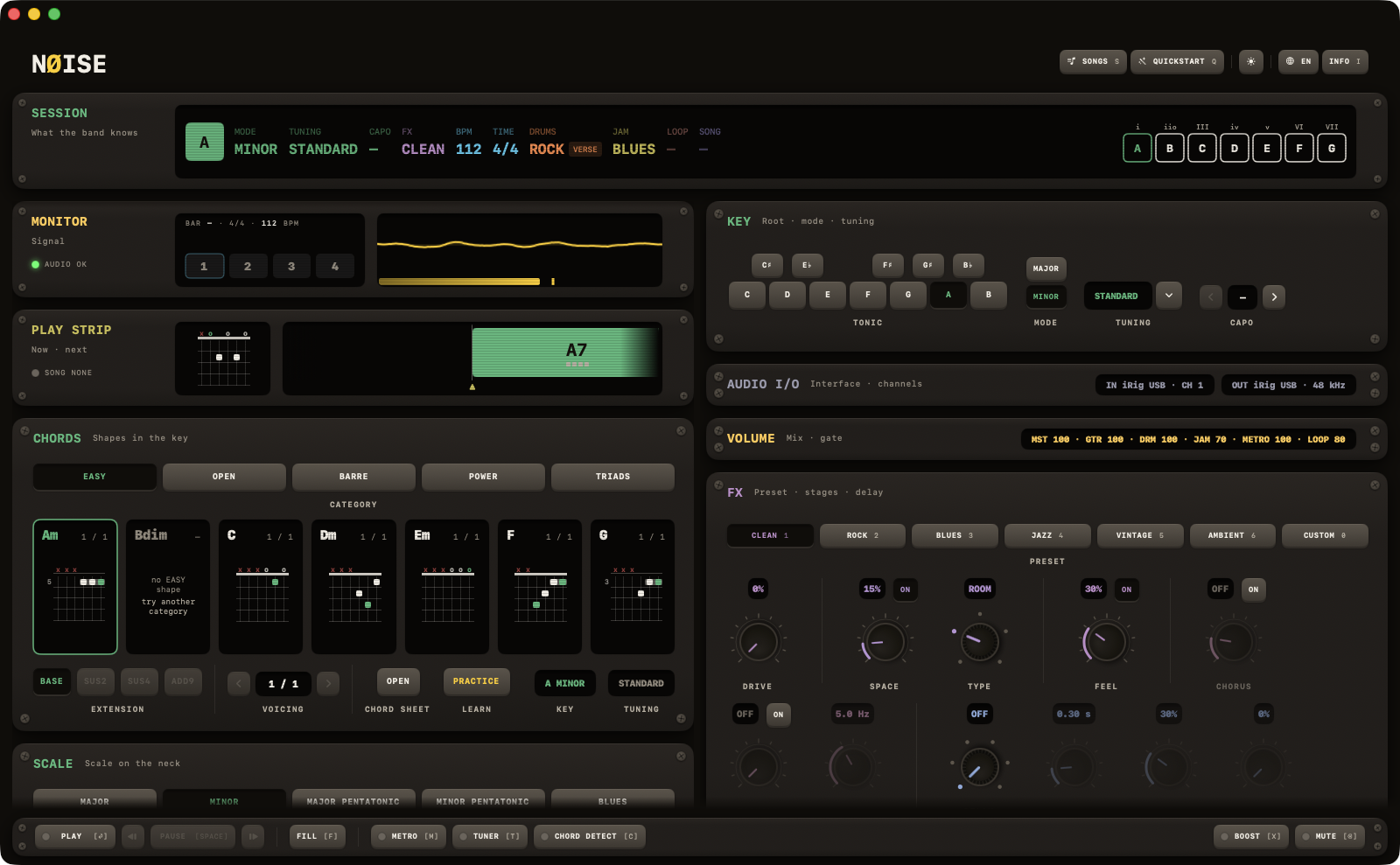
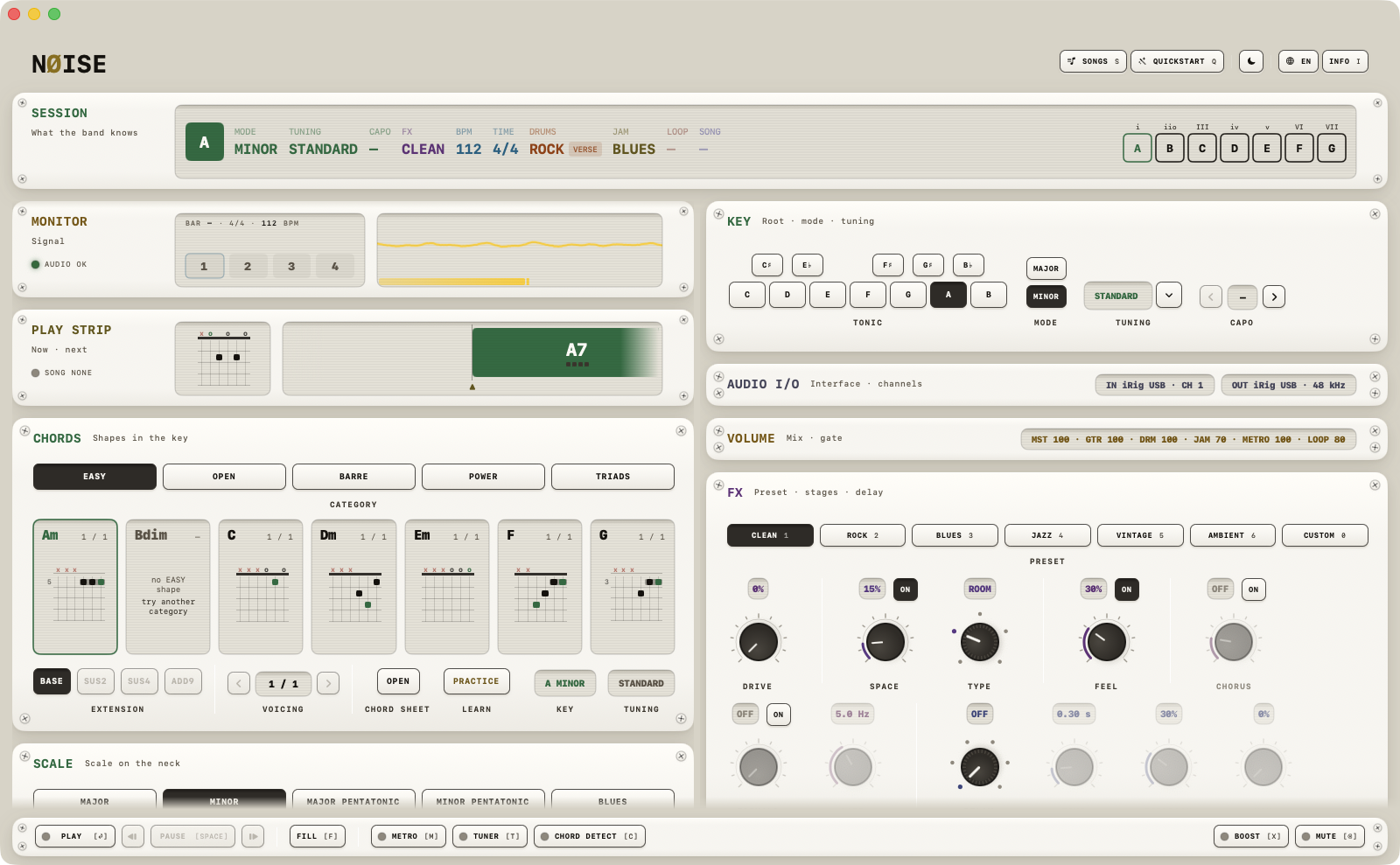
System requirements
- macOS 14.0 (Sonoma) or later. This is the real minimum for the current version — older material floating around may say macOS 13, that is out of date.
- Apple Silicon (M1 and later) is fully supported and is where NØISE is built and tested. An Intel Mac runs it too — the app is one universal binary — on any Intel model that runs macOS 14, roughly 2018 and later.
- On iPad: iPadOS 17.0 or later. The iPad uses the USB interface for input and output when one is plugged in, and the built-in microphone for the tuner and chord detector when there is none.
- An audio interface is recommended but not required — built-in Mac audio works too, in output-only mode (no guitar input).
- A guitar or bass, normally through a 1/4" interface input, if you want to play along rather than just listen.
What NØISE will ask permission for
- Microphone access, the first time it starts the audio engine with an input device selected. macOS shows the system prompt, in English whatever language the app runs in, with the text "NØISE listens to your guitar through your audio interface or microphone for the tuner, the chord detector and the effects chain." If you deny it, startup continues with limits rather than failing outright — the audio engine does not start until access is granted — see First launch.
- NØISE registers itself as the handler for
.noisesongfiles andnoise://links, so double-clicking a shared song file or clicking a NØISE link opens the app. See Import.
First run downloads a soundfont
On first launch (unless it's already bundled with your build), NØISE downloads a ~148 MB General MIDI soundfont (FluidR3_GM.sf2) used for drums and the band, and stores it inside the app's sandbox container: ~/Library/Containers/com.noise-app.macos/Data/Library/Application Support/NØISE/Soundfonts/. This needs a working internet connection the first time only; after that it's cached on disk. Details, including what happens if the download fails, are in First launch.