Practice
Chord practice
An ear/hand-training exercise — play the target chord and NØISE listens for it.
Chord practice shows you a target chord and listens to your guitar's audio to detect when you've played it — a chord-recognition exercise, distinct from scale practice's single-note detection.
Opening it
Click LEARN › Practice in the CHORDS module (the band is held while it is open — the footer's DRUMS · JAM · METRO keys bring a lane in, see Play along). No keyboard shortcut — mouse/click only; close with ESC (the key top-right or the keyboard), or CLOSE once a round is done.
Warning
Chord shapes don't exist in an Open tuning, and some are unavailable in a Drop tuning. The exercise still names the chord and still listens; when there is no shape for it, the diagram well reads "no EASY shape" (or whichever category you picked) instead of a diagram. Switch to Standard to see the shapes.
Setup
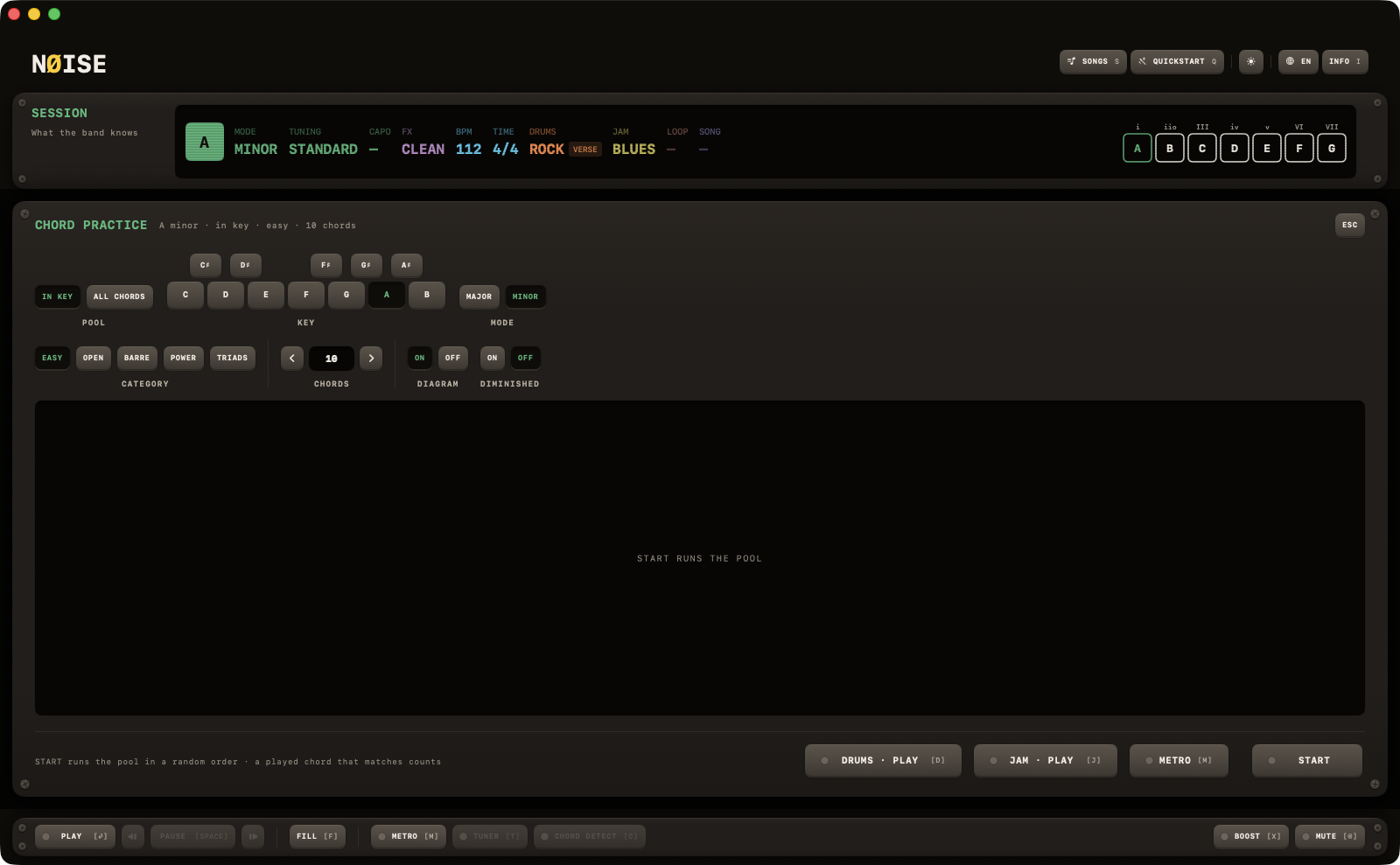
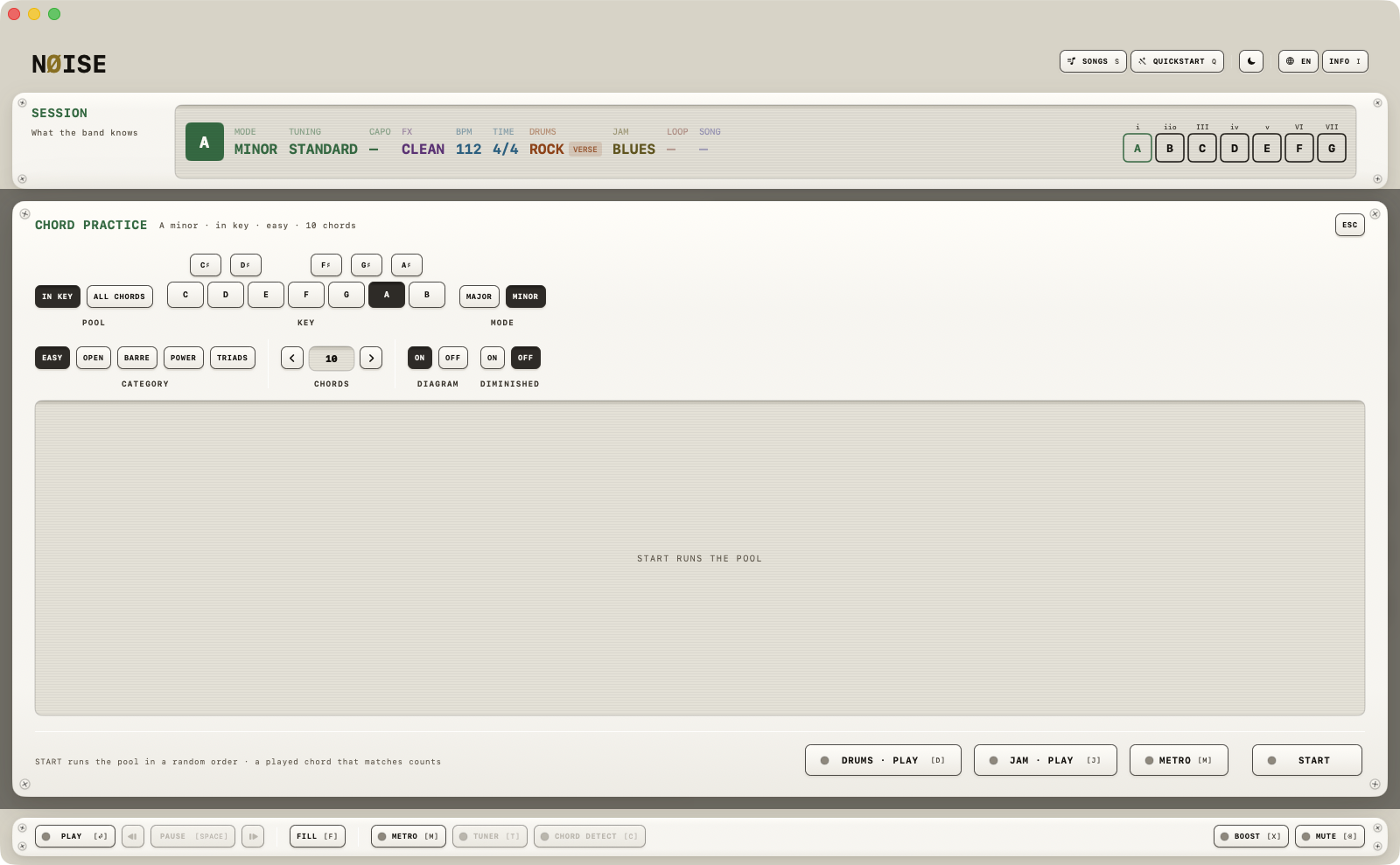
One plate, titled CHORD PRACTICE, with the setup read back beside the title. Two rows. First POOL: IN KEY or ALL CHORDS (ALL CHORDS shuffles through all 24 major/minor triads regardless of key, plus the 12 diminished ones if DIMINISHED is on), with KEY and MODE beside it (dimmed on ALL CHORDS — and they set the session key, not a private one). Then CATEGORY (the same shape families as CHORDS), CHORDS (how many, a stepper from 1 to 50, default 10; Shift steps by five), and two ON/OFF pairs: DIAGRAM and DIMINISHED. No countdown: START runs the pool at once, in a random order.
Playing
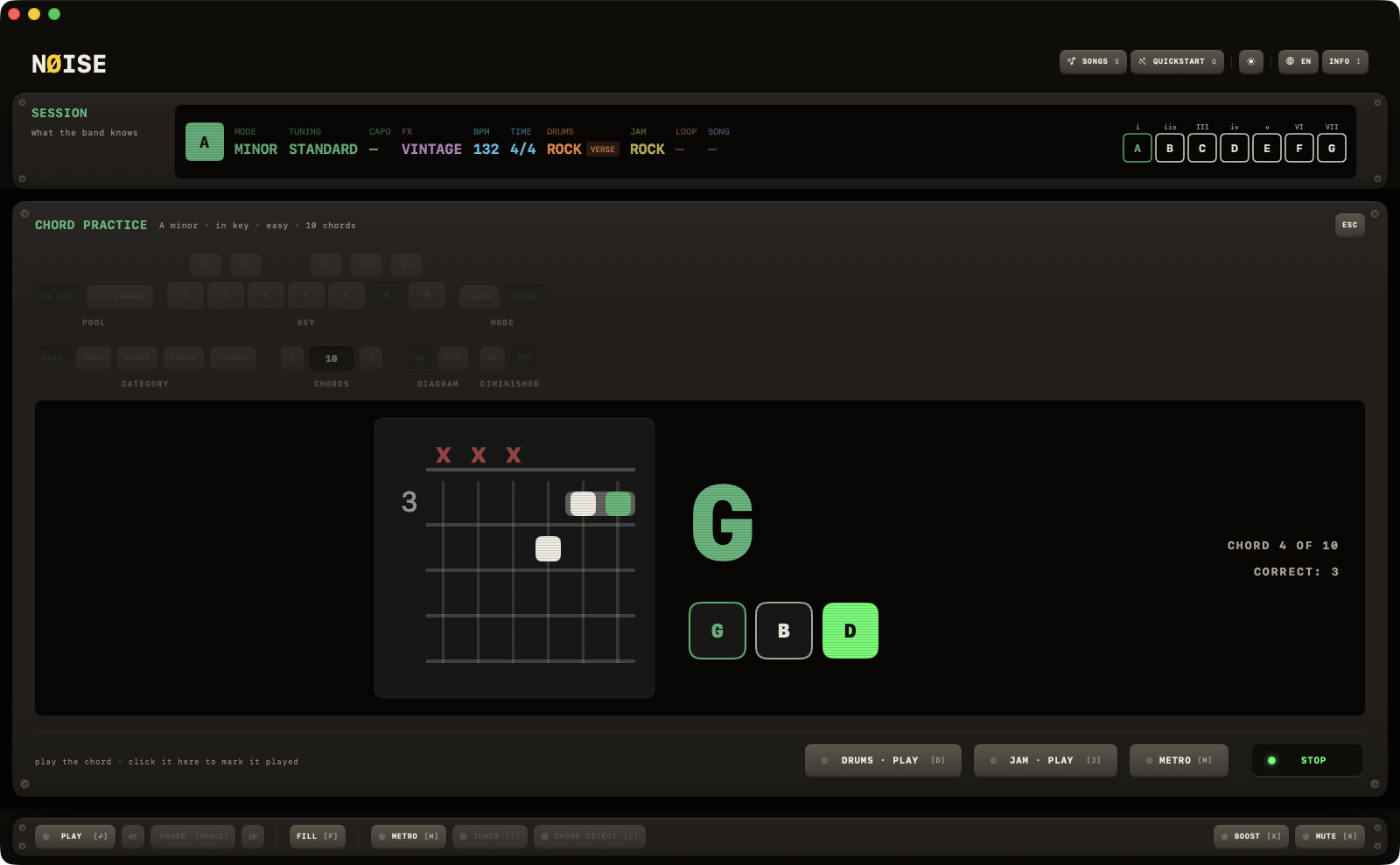
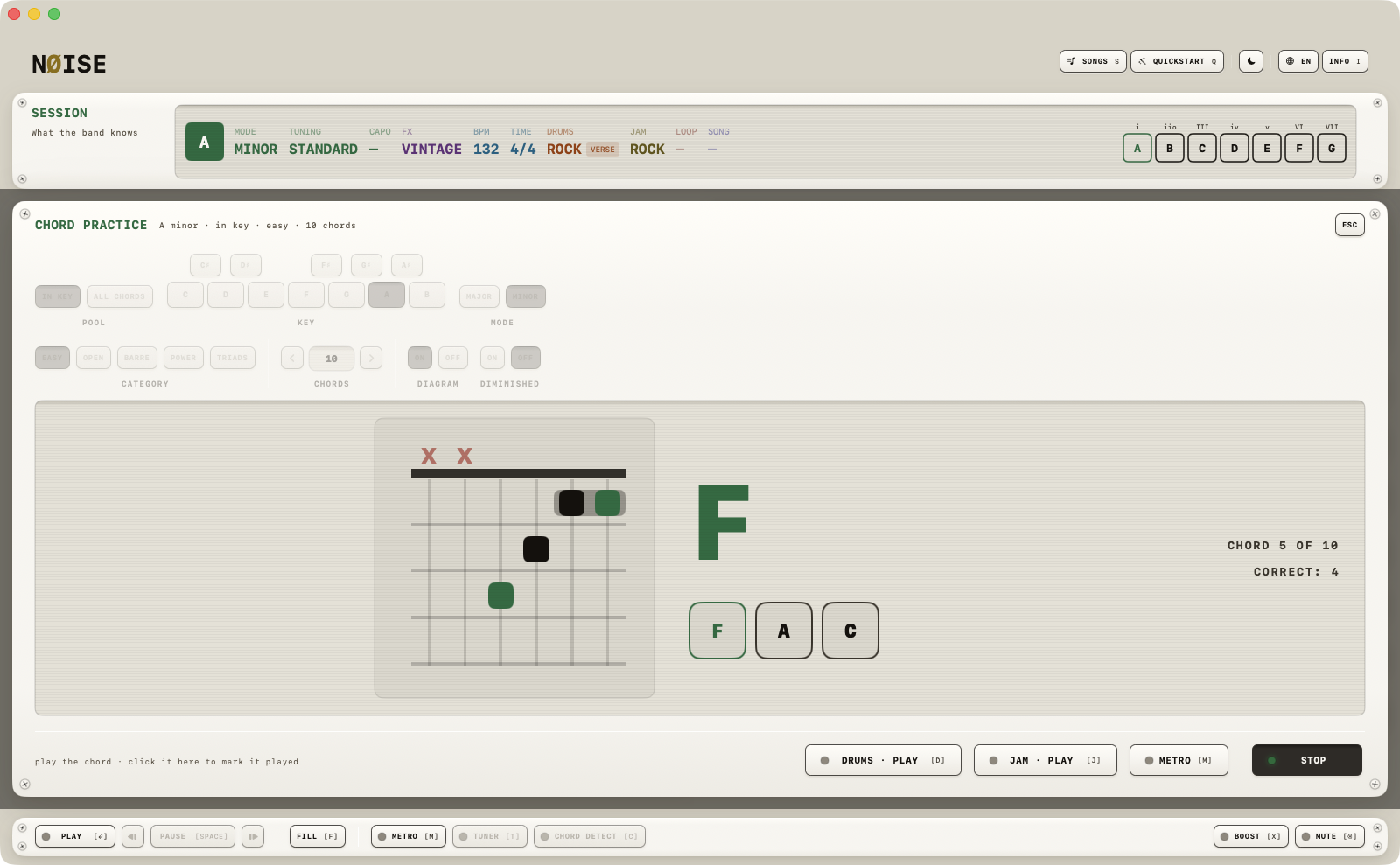
The target chord's symbol is shown large (turning green once matched); if DIAGRAM is on, a diagram of the chosen category sits beside it — click it to page through its voicings. The chord's individual notes are shown as cells that light up as you play them. A confident match counts, with a short chime, and after half a second the next chord comes. You can also click the symbol to mark the chord as played.
Progress shows as "CHORD n OF m" and "CORRECT: n" on the right; the START key reads STOP while the round runs, and the setup dims.
Finishing
COMPLETED! with your score (e.g. "SCORE 8 / 10") and average time per chord; the key reads PLAY AGAIN, with CLOSE beside it.