Songs & sharing
Export
The buttons on a song: DUPLICATE makes a copy, EXPORT writes a .noisesong file.
Every saved song has its own buttons. Select the song in the SONGS plate; the row under the list acts on the SELECTED SONG.
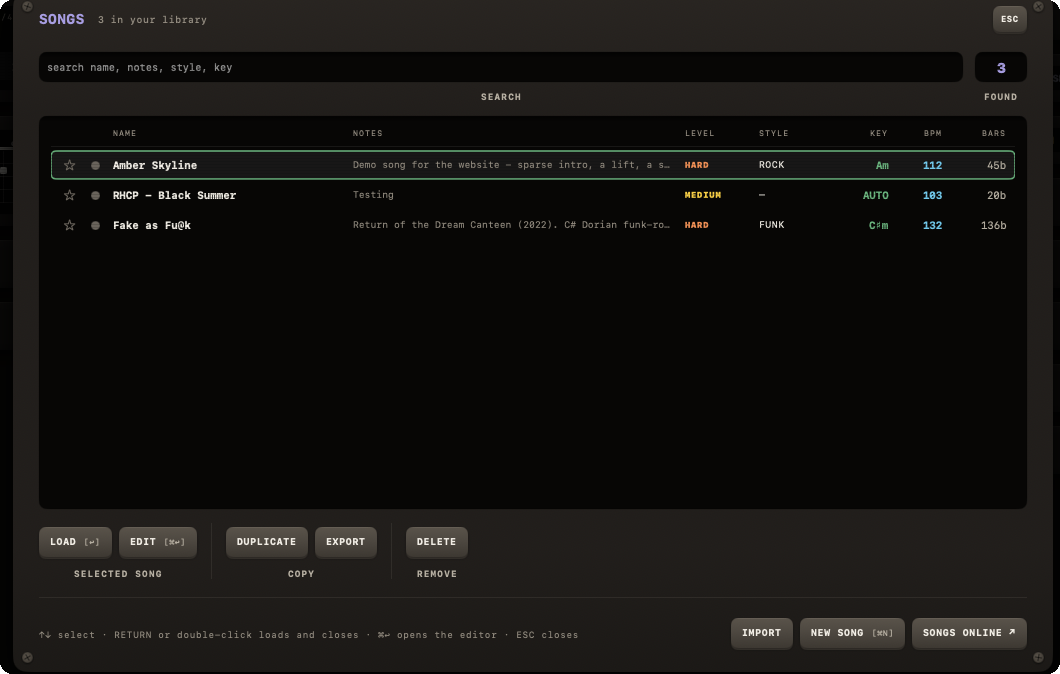
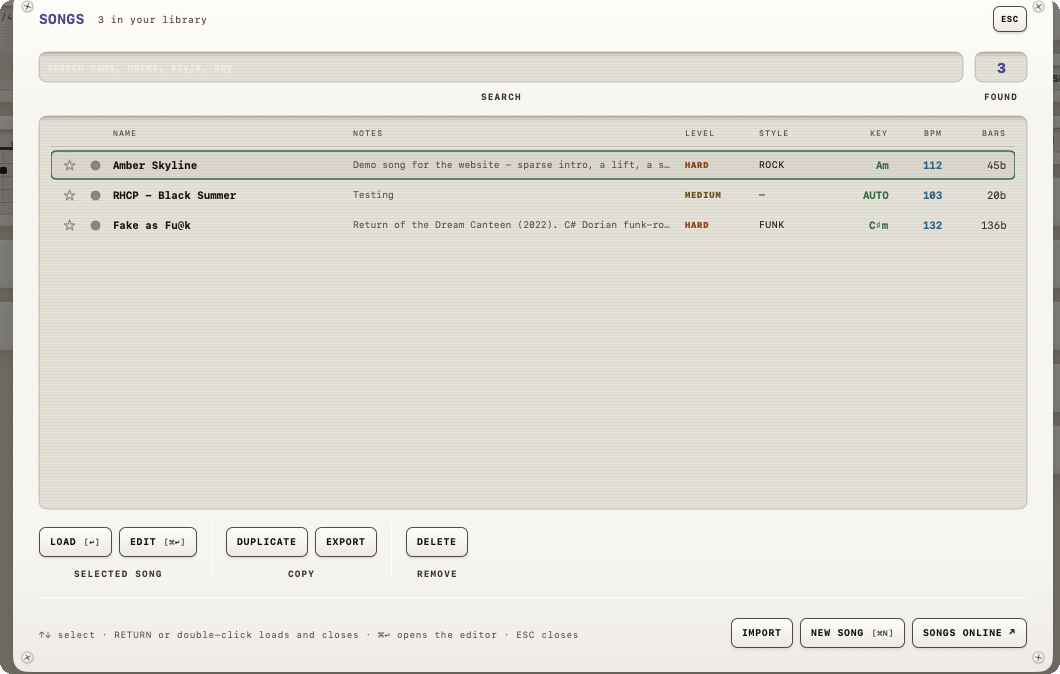
The buttons, in order
- DUPLICATE (under COPY) — makes a full copy of the song with a fresh identity and a name suffixed " copy", added to your library. Not really sharing, but it sits right next to EXPORT.
- EXPORT (under COPY) — opens a standard macOS save panel titled "Export song"; the suggested filename is the song's name with a
.noisesongextension. If the write fails, an alert titled "Export failed" shows the underlying error. - EXPORT in the editor — the same button, for the song you are writing. If there is unsaved work, the editor saves first: the file is always what you see on screen.
Copying a text or a noise:// link is not in the app. The website makes the link: open the song on the website and click Copy link.
None of these buttons has a keyboard shortcut (LOAD [↩] and EDIT [⌘↩] in the same row do).