Songs & sharing
Import
The IMPORT button vs. opening a shared file or link from outside the app — and a real gotcha about duplicate songs.
There are two different import paths in NØISE, and they behave differently. This page covers both.
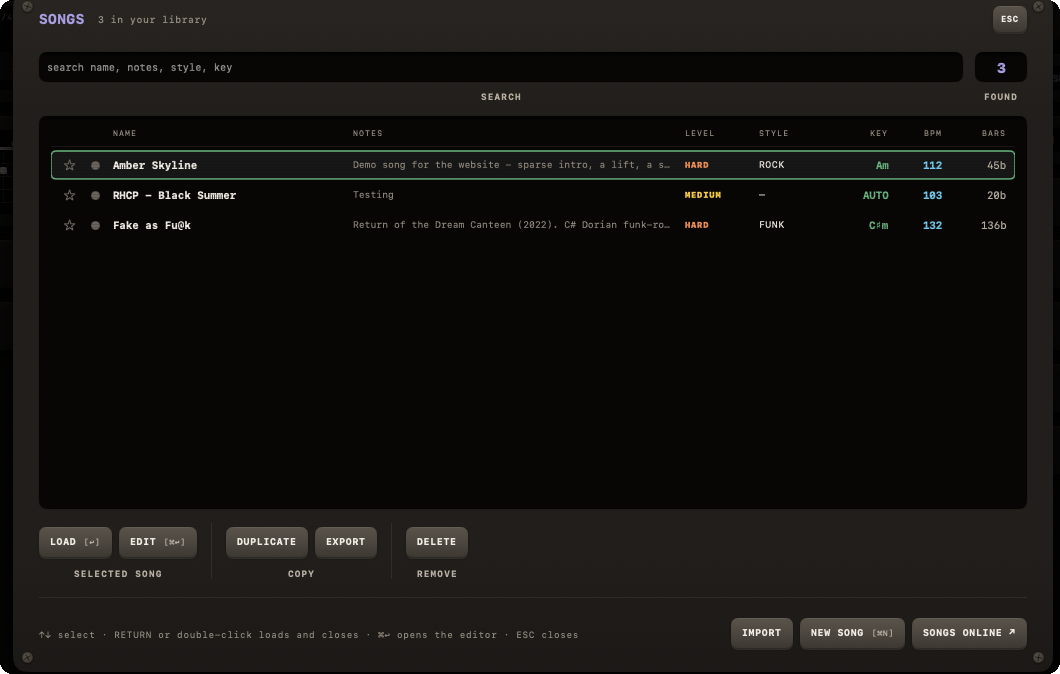
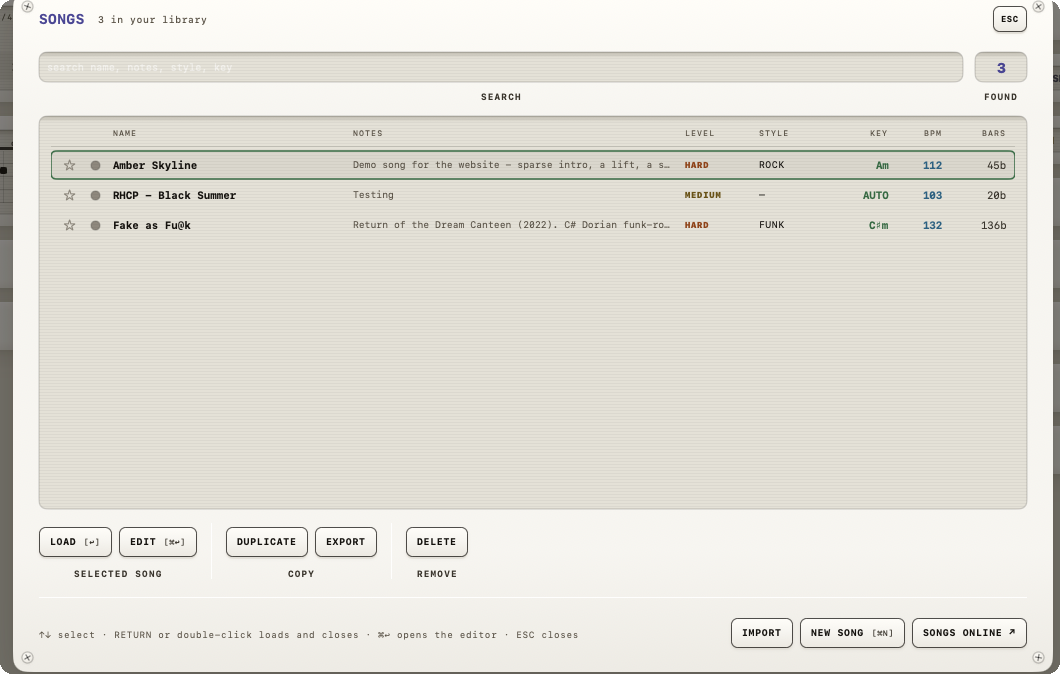
From inside the app: IMPORT
In the SONGS plate, IMPORT opens a file panel for .noisesong, JSON or plain-text files. You can pick several at once. It does not read the clipboard.
Warning
IMPORT adds the song immediately, with no confirmation dialog — you only see a small "Song added" notice afterward ("Songs added" for several).
From outside the app: opening a file or link
Double-clicking a .noisesong file in Finder, or opening a noise:// link from a browser, Messages or the website (Open in NØISE), works differently: NØISE decodes it and asks first. On the iPad a downloaded .noisesong lands in Files, and a tap on it opens it in NØISE the same way.
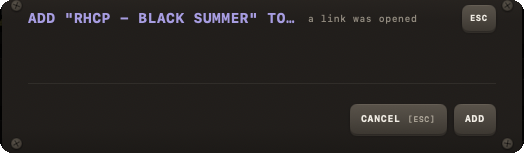
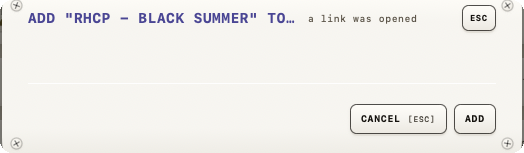
- One song: "Add "
<name>" to your songs?", with "by<author>" below when the file knows one. - Multiple songs: "Add
<N>songs to your library?" with their names listed. - Buttons: CANCEL / ADD. After ADD the library opens, so you see where the song landed.
If nothing is recognised or the text has a problem
- Nothing decodable: "No song found" — "That does not look like a NØISE song. Expected a .noisesong file, song text, or a noise:// link."
- A malformed chart in a text file: "Song text has a problem" — "Line
<n>:<reason>" (the reason strings match the Song text format error table exactly).
These notices are English in every language of the app.
A real gotcha: importing a song you already have
Warning
Re-importing a song whose identity you already have in your library does not overwrite or merge it — it adds a second copy with a brand-new identity (remembering the original only internally, for lineage). There is no "song already exists — overwrite/replace/skip?" dialog anywhere in the app. If you don't want two copies, delete the old one yourself after importing.