Tools
Hotkeys overlay
INFO — every keyboard shortcut over the whole window, the tours, what the colours mean, plus NØISE's short "why this exists" statement and soundfont credit.
A full-window viewer listing every keyboard shortcut, generated directly from the app's own shortcut catalogue (the same source that produces Keyboard shortcuts on this site) — the two can never drift apart.
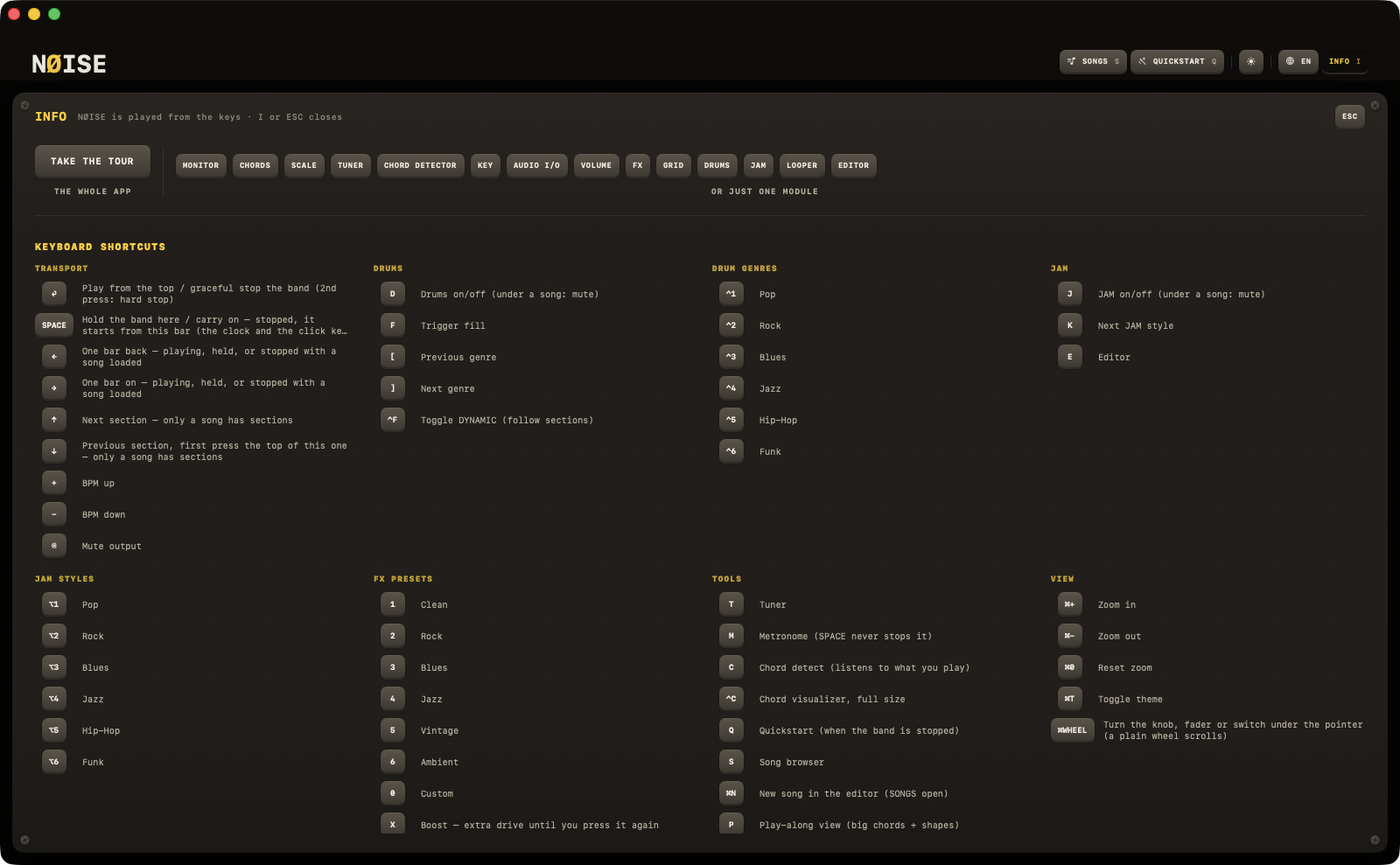
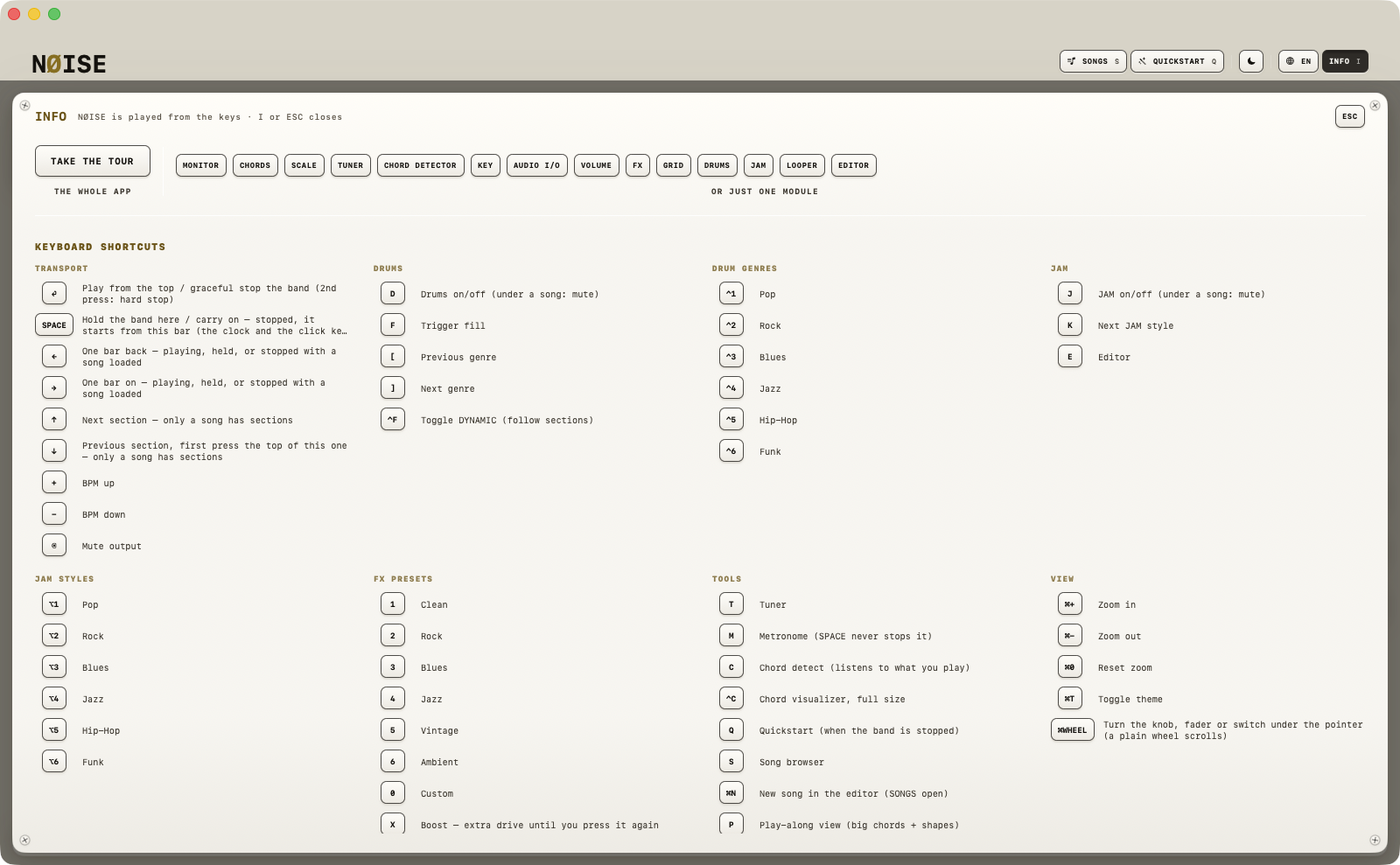
Opening it
Header button INFO (I), or the I key.
| Key | Action |
|---|---|
| T | Tuner |
| M | Metronome (the transport never stops it) |
| C | Chord detect (listens to what you play) |
| ⌃C | Chord visualizer popup |
| Q | Quickstart (when the band is stopped) |
| S | Song browser |
| ⌘N | New song in the editor (SONGS open) |
| P | Play-along view (big chords + shapes) |
| I | This overlay |
| ESC | Close topmost panel |
| L | Looper: record, or add a layer while it plays |
| ⇧L | Looper: play / stop |
| U | Looper: take the last layer back |
| ⌥L | Looper: clear |
Closes on pressing I again, ESC (the key top-right or the keyboard), or a click on the dimmed window beside it. The title row says so: NØISE is played from the keys · I or ESC closes.
What it shows
First the tours: TAKE THE TOUR for the whole app, and a key per module for just that one. Then every shortcut, grouped by category exactly as in Keyboard shortcuts, a legend of what the colours mean, and two short blocks side by side:
WHY NØISE EXISTS NØISE started because I wanted to practice guitar without friction. Something I could open, plug in, and play — whether it's five minutes or an hour. It's for learning scales, trying chords, locking into a groove, and getting lost in a key without thinking about software. This is how I practice. This is how NØISE was made.
SOUND & LICENSES NØISE plays through the NØISE Band, a sound bank cast from three open General MIDI libraries: GeneralUser GS © S. Christian Collins (GeneralUser GS License v2.0), MuseScore General HQ and FluidR3 GM © Frank Wen and contributors (MIT). Full notices and the story at noise-app.com/docs/reference/the-band.